Koji Koda Cursor
Try this cursor
Preview Koji Koda Cursor in this sandbox. Hover and click - no extension needed for a test on this page. Download PNG, JPG, or CUR
Move here to see the default cursor
 DefaultMove around the board
 PointerHover a button or link
Description
What's included in the package
- Default Cursor
- Pointer (Hand)
How to install a custom cursor pack Koji Koda Cursor
Install the Cursor Space extension for Chrome or Cursor Space for Edge in your browser.
On this page, click "Add this cursor pack to the extension".
Open the extension and go to the Packs tab.
Find the custom cursor pack "Koji Koda cursor" and click it.
Enjoy!
Ready to install?
Get this cursor pack and thousands of others by installing our extension. It's fast and free!
Install for ChromeAbout this cursor pack
Koji Koda Cursor is a themed cursor pack you can add to your browser to personalize your pointer across common cursor states (default and pointer). Use it for everyday browsing, streaming, studying, or gaming-anywhere you want your cursor to match your vibe.
Instant preview
See how the cursors look before installing.
Easy install
Add the pack to the extension in a few clicks.
Works in your browser
Designed for Chrome and Edge via the extension.
FAQ
Quick answers to common questions about cursor packs, collections, and installation.
Do I need an extension?
Yes. To apply cursor packs in Chrome or Edge, install the Cursor Space extension and add this pack to it.
Which browsers are supported?
Cursor packs are designed for Chromium browsers like Chrome and Microsoft Edge.
How do I switch back to the default cursor?
Open the extension, choose another pack or disable the current one to return to your default cursor.
Can I try the cursor before installing?
Yes. Use the Try this cursor section on this page to preview default, pointer, and other states. Add the pack to the extension to use it across the web.
Can I download the cursor files?
Yes. Open Download files on this page for Arrow and Pointer PNG, JPG, and CUR (hotspot included). You can also copy CSS, Roblox, Unity, and Godot snippets.
Popular cursors today
Custom cursor and packs - neon, anime, pixel art. Quickly add to Chrome and Microsoft Edge for free
- Top 1
 FNF Kissy Missy cursorAdd Kissy Missy custom cursor in the collection of custom cursors with Friday Night Funkin for the browser.
 - Top 2
 Purple cursorWelcome to our Cursors custom collection for Chrome, featuring a stunning purple cursor to enhance your browsing experience.
 - Top 3
 Green cursorEnhance your browsing experience with the charming Green custom cursor, a delightful upgrade that transforms your ordinary pointer with style and playfulness.
  Robocop Pixel cursorRoboCop Pixel as a custom cursor for Chrome. Now you can get cursor with RoboCop Pixel for your browser.
 Fliqpy cursorFliqpy custom cursor for Google Chrome brings the dark side of Happy Tree Friends to your screen, featuring his weapon as a hover pointer for a sinister touch.
 Wish Bear cursorA yellow shooting star as a cursor for the mouse and a Wish Bear pointer will look pretty nice on your screen.
 Robot cursorImprove your online experience with The Robot custom cursor. It's cute, customizable, and full of personality - your ideal internet companion is ready for you!
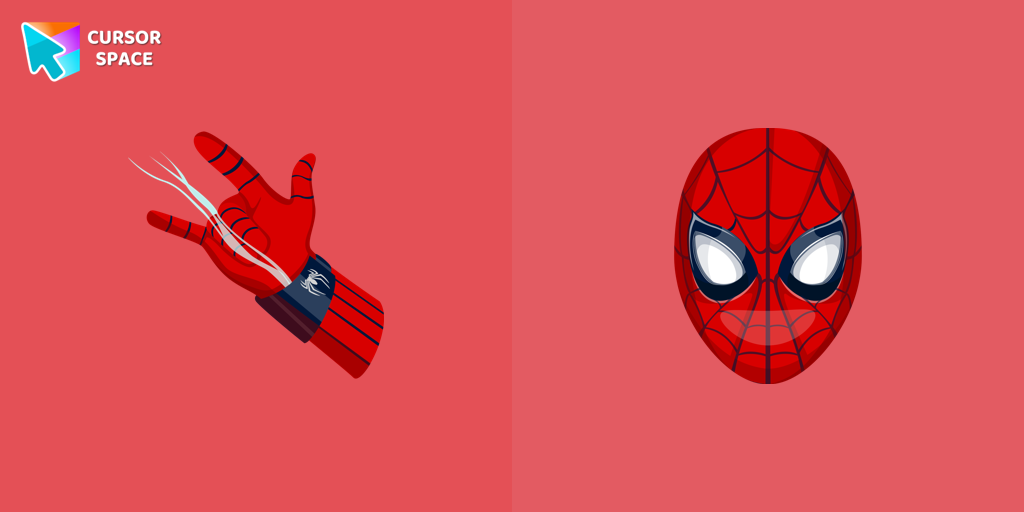 Spiderman cursorTransform your browsing with the Spiderman custom cursor for Google Chrome. Enjoy the thrilling design and web-slinging animations of this iconic superhero.
 Pointer neon cursorPointer Neon Cursor is a customizable cursor option for those who want to add some color to their computer interface.
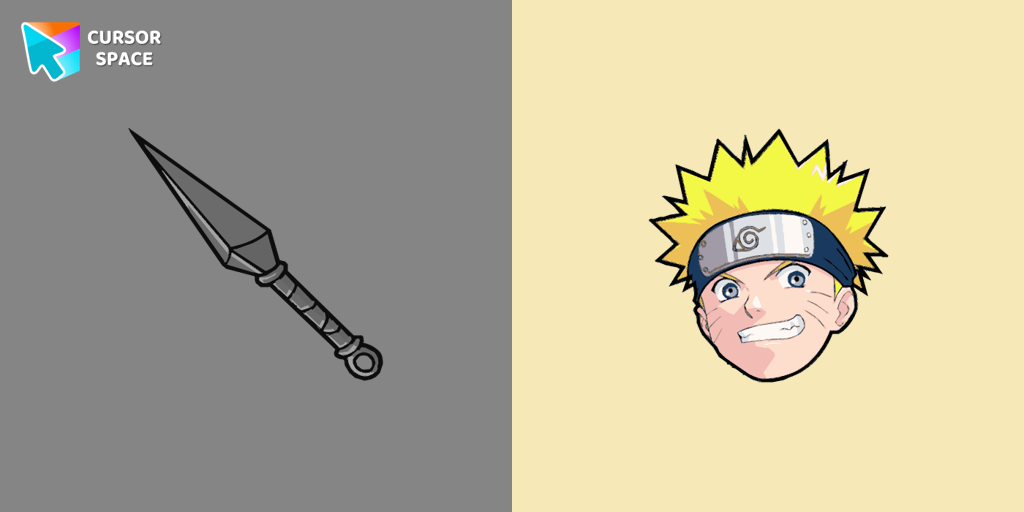 Naruto Uzumaki cursorThe Naruto Uzumaki custom cursor for Google Chrome lets fans personalize their browsing experience with an iconic mouse pointer featuring Naruto himself.
Collection hits
Installation leaders from "My Hero Academia Cursors": free packs, neon/anime/pixel art, quick add to Chrome and Edge.
- Top 1
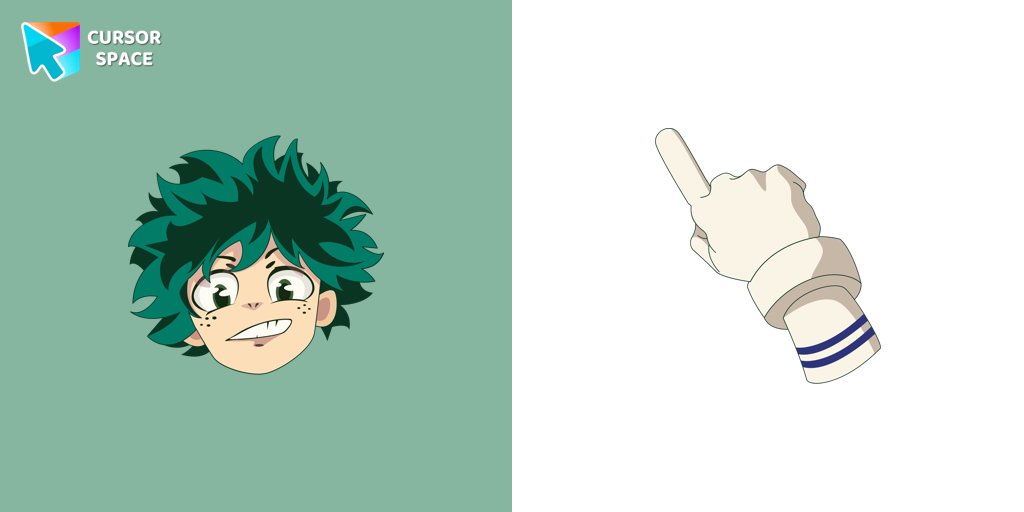 Izuku Midoriya cursorIzuku Midoriya cursor element is a cute custom mouse and pointer cursor with stylish pointing.
 - Top 2
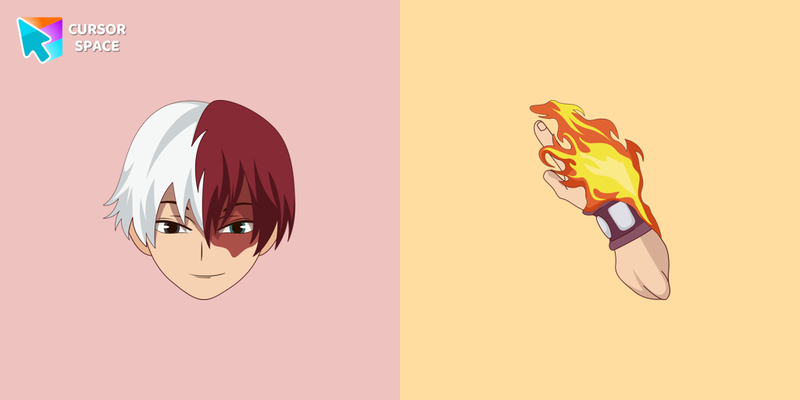 Shoto Todoroki cursorMy Hero Academia for Chrome cursor set has a custom cursor in the form of the character weapon and Shoto Todoroki as a pointing device.
 - Top 3
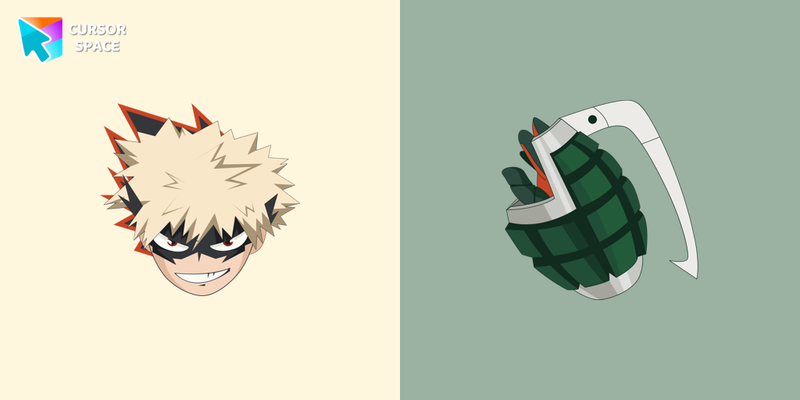 Katsuki Bakugo cursorKatsuki Bakugo cursor for mouse and custom pointer with character's weapon in My Hero Academia collection of custom cursors.
 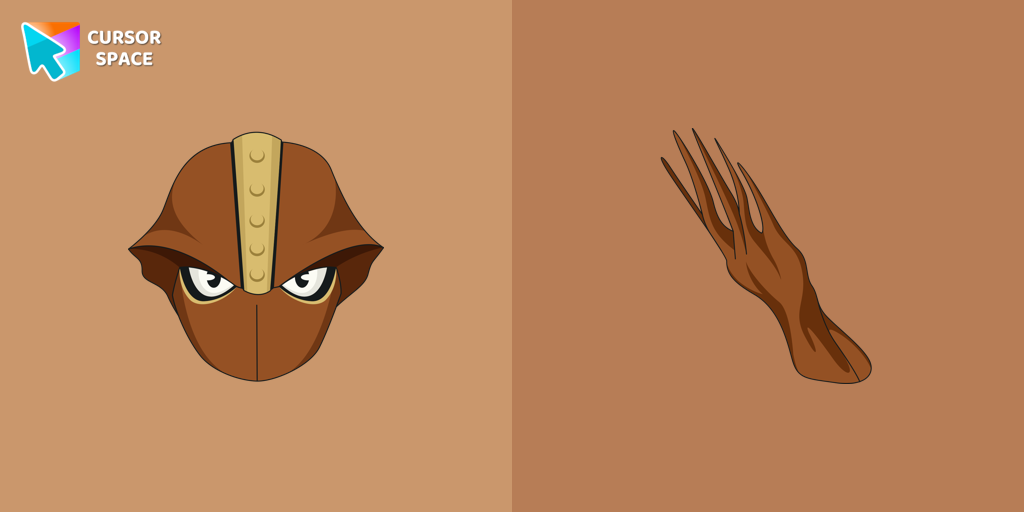 Shinji Nishiya cursorThe Shinji Nishiya custom cursor from our custom cursors collection for Chrome will change your default mouse pointer to My Hero Academia character.
 Yu Takeyama cursorOur My Hero Academia custom cursors collection for Chrome will allow you to use Yu Takeyama character as a custom cursor for mouse and pointer.
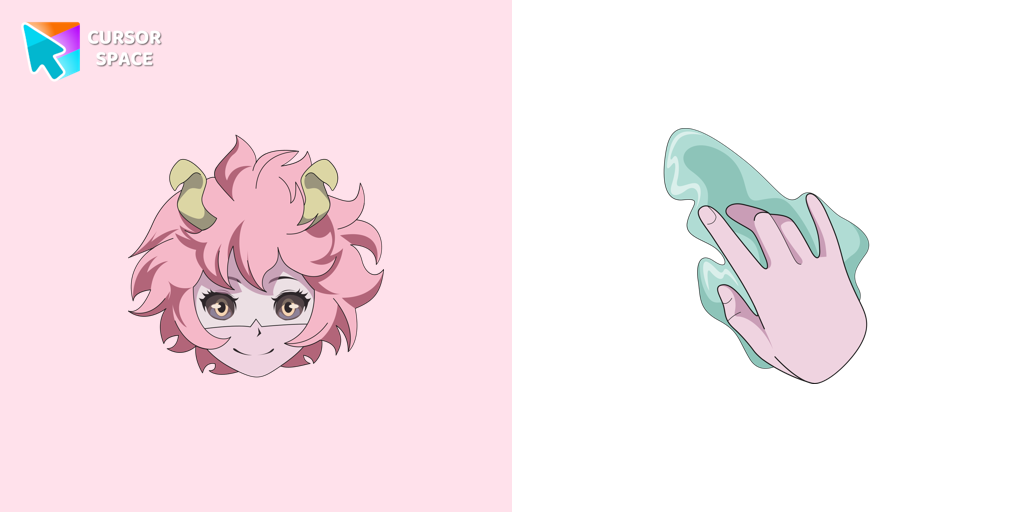 Mina Ashido cursorMeet the Mina Ashido cursor for Chrome in a My Hero Academia custom cursors collection for mouse and pointers.
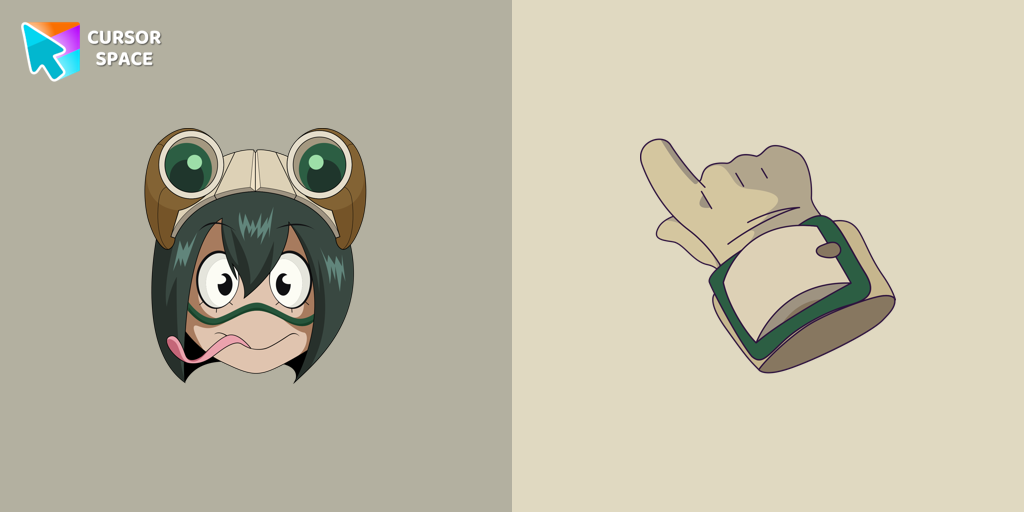 Tsuyu Asui cursorTsuyu Asui custom cursor from our My Hero Academia cursors collection for mouse and pointer.
 Enji Todoroki cursorEnji Todoroki cursor and pointer in our adorable custom cursors collection with My Hero Academia.
 Tetsutetsu Tetsutetsu cursorCute custom cursors collection with My Hero Academia we depicted the Tetsutetsu Tetsutetsu as a custom cursor for the browser in beautiful graphics.
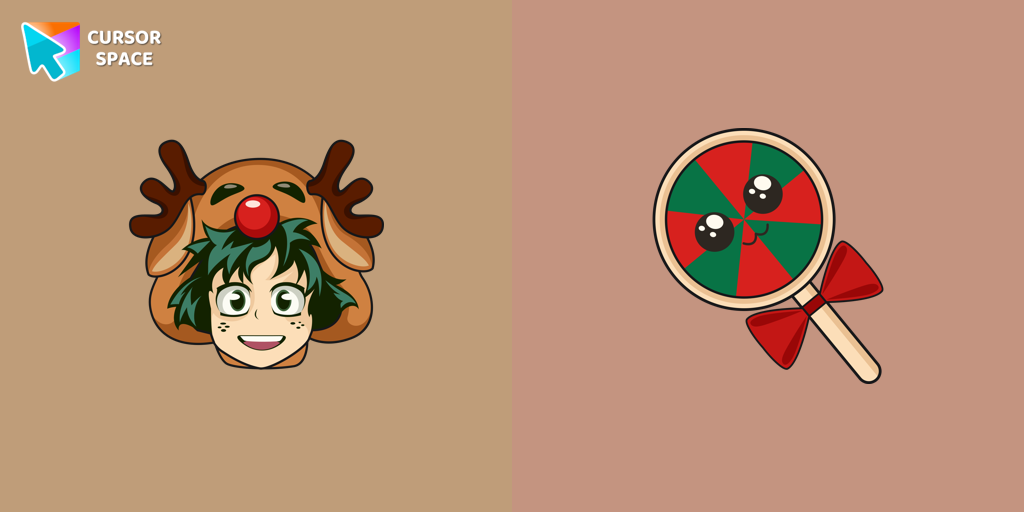 Christmas Izuku Midoriya cursorСustom cursor with Izuku Midoriya in Deer Suit and a Christmas candy as a hover in a set of My Hero Academia cursors for Chrome.
 Ochako Uraraka Holidays cursorOchako Uraraka in a tiger suit custom cursor for the mouse from My Hero Academia cursor collection for Chrome.
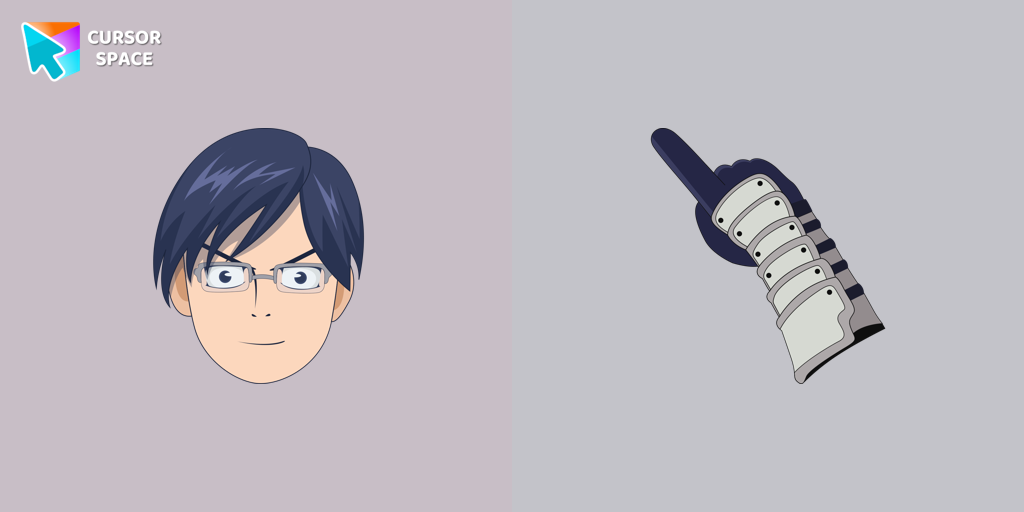 Tenya Ida cursorLovely Tenya Ida as a custom cursor for mouse and pointer is presented in our My Hero Academia custom cursors collection for Chrome.
Install Cursor Space - A Collection of Custom Cursors for Chrome & Edge
Add packs instantly and unlock access to thousands of cursors: neon, anime, pixel-art, and more. Fast, safe, and free.
- Free cursor packs
- HD/HiDPI & animated icons
- Quick browser installation
Cursor Space is an extension for changing your mouse cursor in Chrome and Edge browsers: themed collections, HiDPI icons, neon, animated, and pixel cursors, with quick installation.