
All Cursor Packs
Browse our full collection of custom cursors. Find your next favorite style and install it for free.
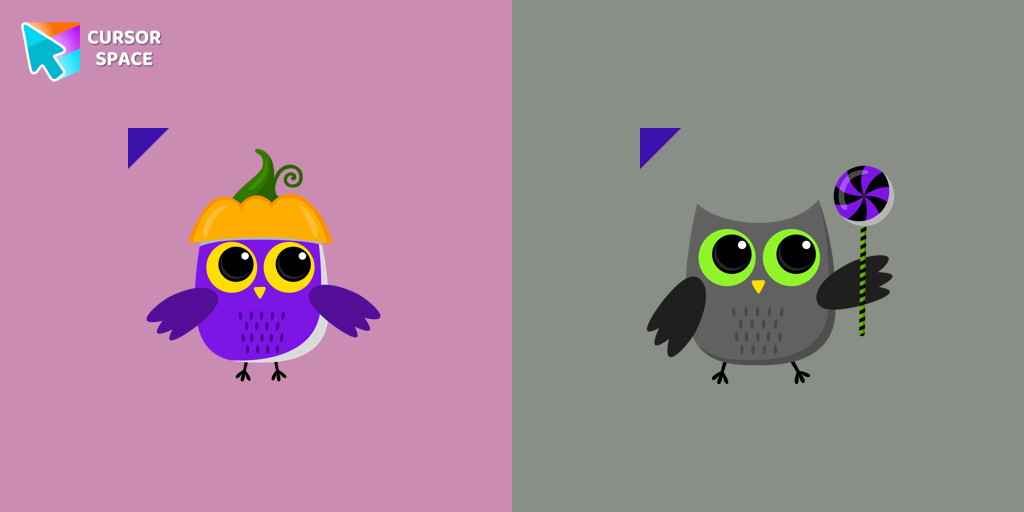 Owl cursorCustom cursor with Owl that was created especially for the Halloween event. Owl cursor will change the usual cursor for the mouse to a cute one.
 Leaf cursorCustom cursor with leaf that was created especially for the Halloween event. Leaf cursor will change the usual cursor for the mouse to a cute one.
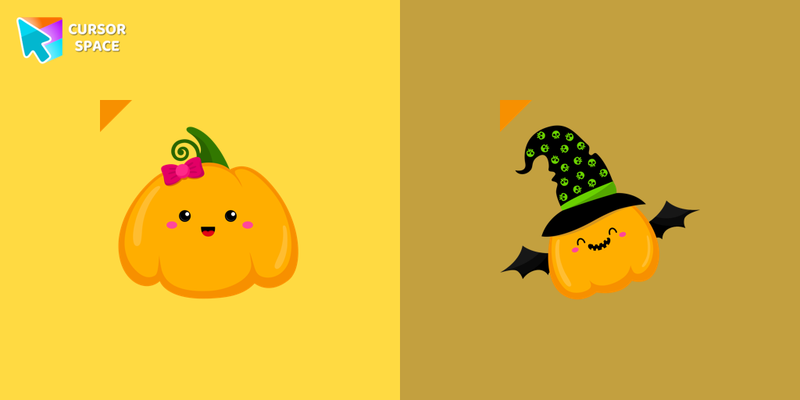 Cute Pumpkin cursorCustom cursor with the cute pumpkin that was created especially for the Halloween event. A cute pumpkin cursor will change the usual cursor for the mouse to a cute one.
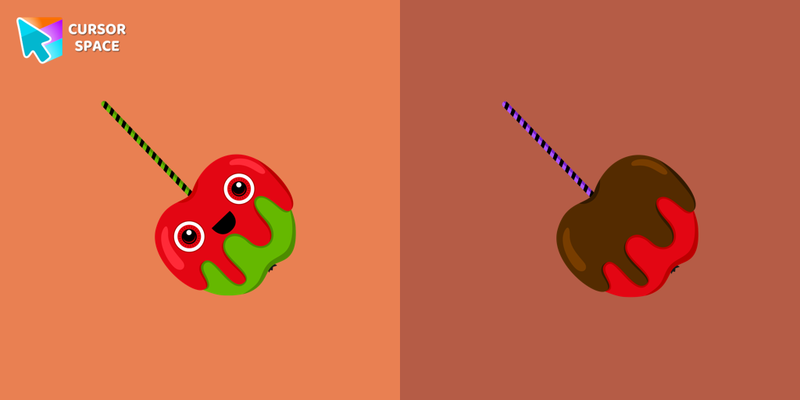 Cherry cursorCustom cursor with cherry that was created especially for the Halloween event. The cherry cursor will change the usual cursor for the mouse to a cute one.
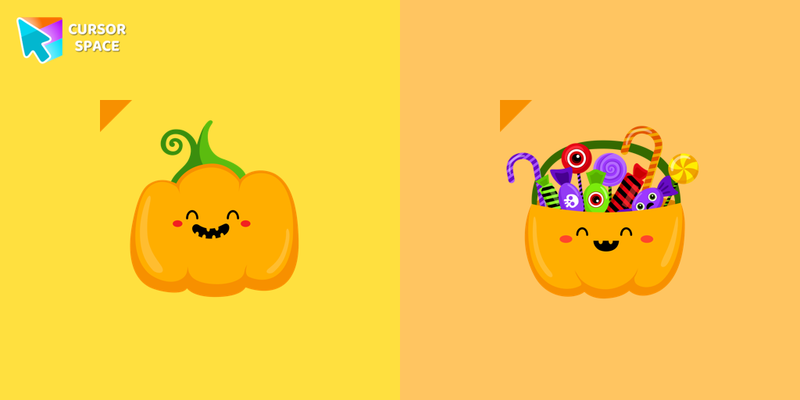 Angry Pumpkin cursorCustom cursor with the angry pumpkin that was created especially for the Halloween event. The angry pumpkin cursor will change the usual cursor for the mouse to a cute one.
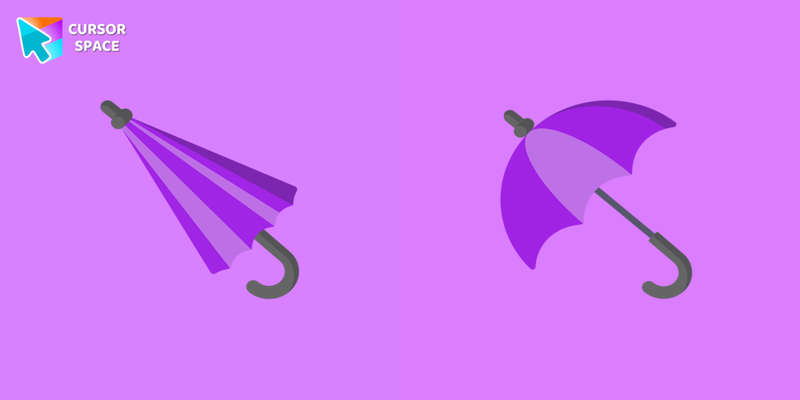 Umbrella cursorA pretty purple umbrella cursor for browser is presented in our the cutest custom cursors collection for Chrome. The custom cursor for mouse and pointer with umbrella.
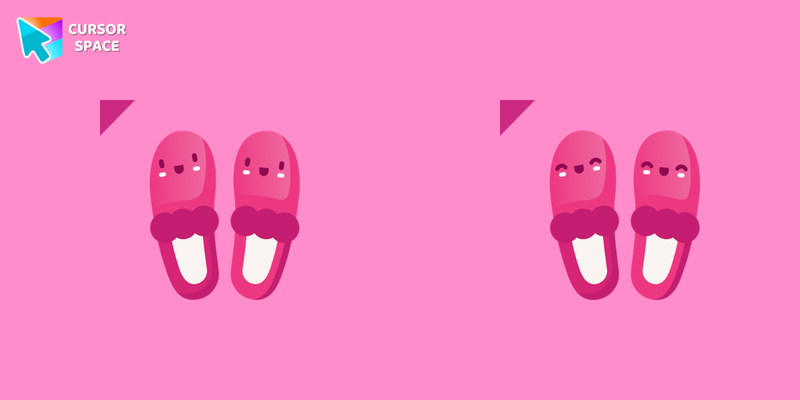 Slippers cursorDo you like warm and soft slippers? So you will love our cute slippers cursor for Chrome. Change the default cursor for the mouse to a custom cursor with slippers.
 Shoe cursorCustom cursor with a shoe will fill up your browser’s dressing. Add a shoe cursor from the cutest custom cursors collection for Chrome and enjoy the look of your mouse pointer.
 Ruby cursorThe stylish ruby cursor for mouse and a jewelry pointer from the cutest custom cursors collection for Chrome. Here is a custom cursor with ruby and a jewelry pointer for the mouse.
 Parfum cursorCute parfum and a face cream cursor in a lovely pink color are presented in our cutest custom cursors collection for Chrome. Add a custom cursor with a parfum and a face cream mouse pointer to your browser.
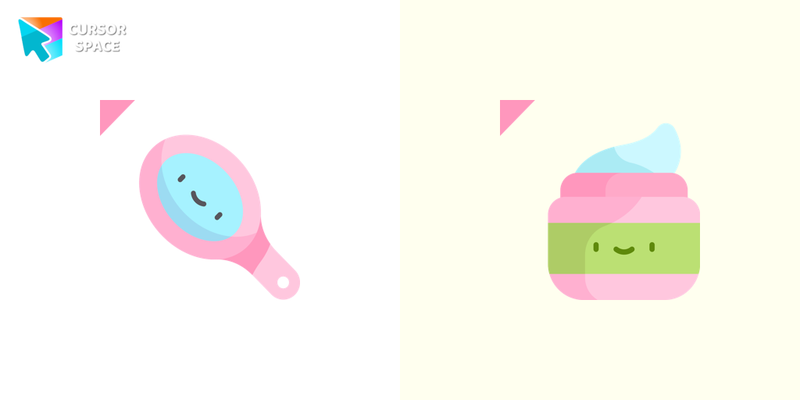 Mirror cursorA cute mirror and a face cream cursor in a lovely pink color are presented in our cutest custom cursors collection for Chrome. Add a custom cursor with a mirror and a face cream mouse pointer to your browser.
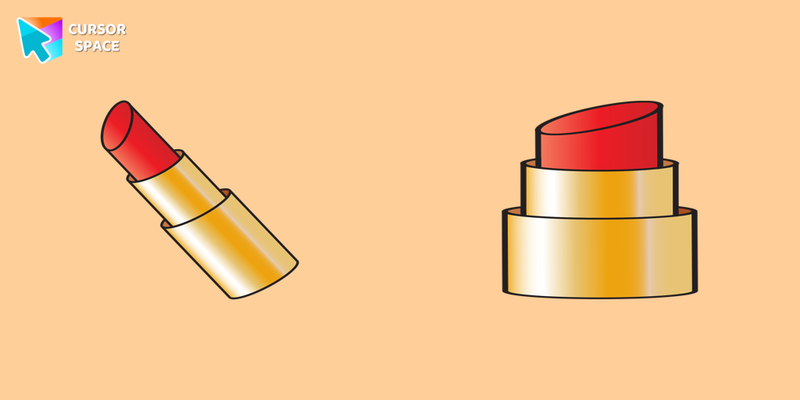 Lipstick cursorA pretty red lipstick cursor for browser is presented in our the cutest custom cursors collection for Chrome. The custom cursor for mouse and pointer with lipstick.
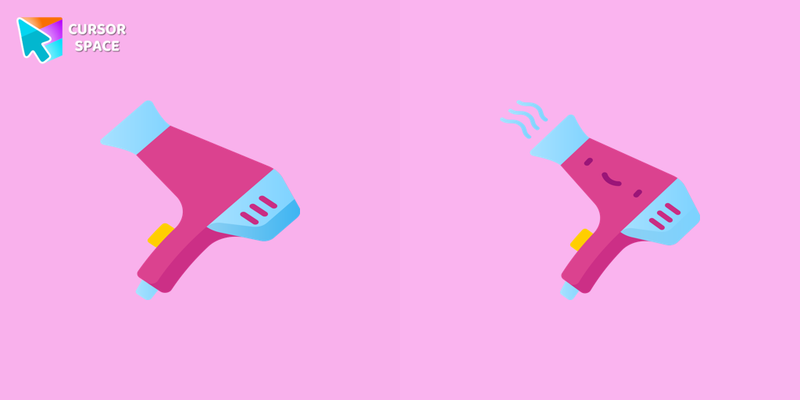 Hair Dryer cursorDo you like the warm breath of a hairdryer? So you will love our cute hair dryer cursor for Chrome. Change the default cursor for the mouse to a custom cursor with a hairdryer.
 Glasses cursorStylish glasses cursor for mouse and a cocktail pointer from the cutest custom cursors collection for Chrome. Here is a custom cursor with glasses and a drink pointer for the mouse.
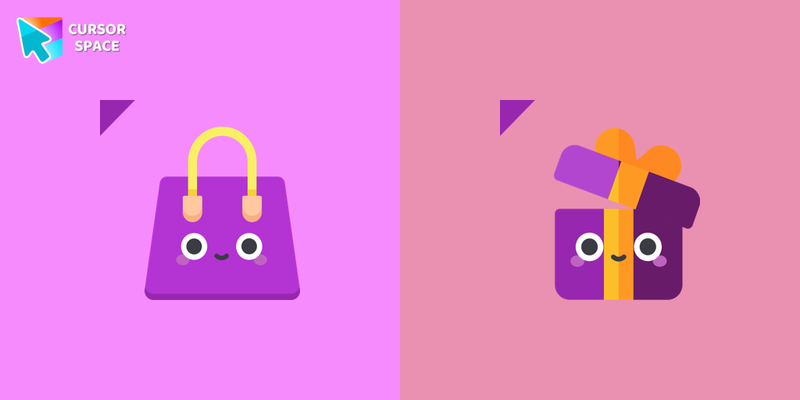 Bag cursorCustom cursor with a bag will fill up your browser’s dressing. Add a bag cursor from the cutest custom cursors collection for Chrome and enjoy the look of your mouse pointer.
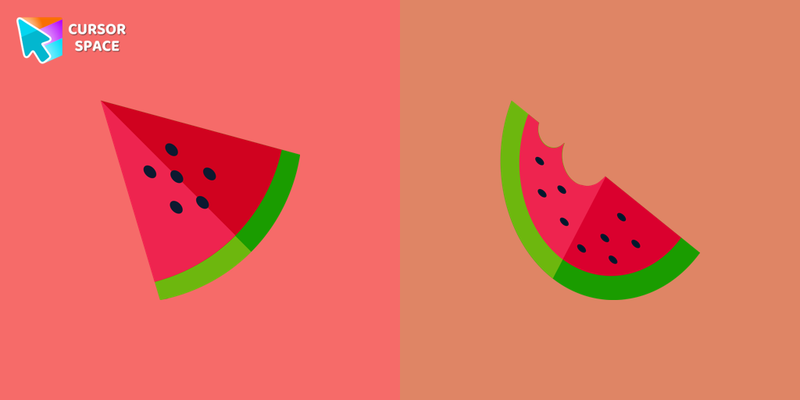 Watermelon cursorSo cute custom cursor with watermelon will change your default mouse pointer to a real cuteness. Add a custom cursor with watermelon from our cutest custom cursor collection for Chrome.
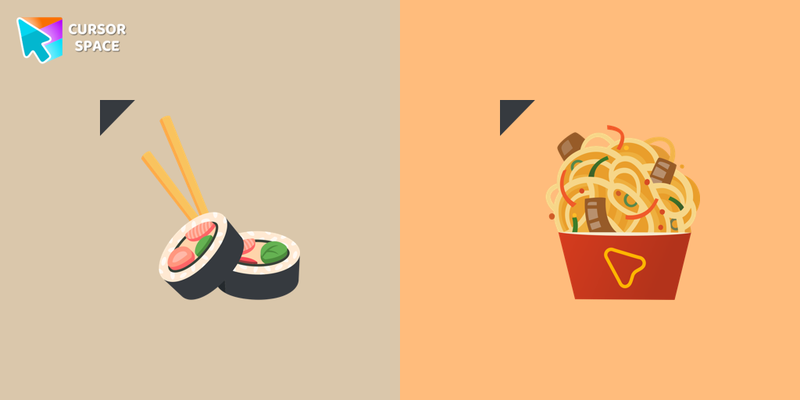 Sushi cursorSushi cursor and noodles pointer in a pretty design for the mouse cursor. Install our cutest custom cursor collection for Chrome to get this cute cursor.
 Oatmeal cursorOatmeal with fruits is the classic breakfast for millions of people. Get a custom cursor with fruits and an oatmeal pointer from our cutest custom cursor collection for Chrome.
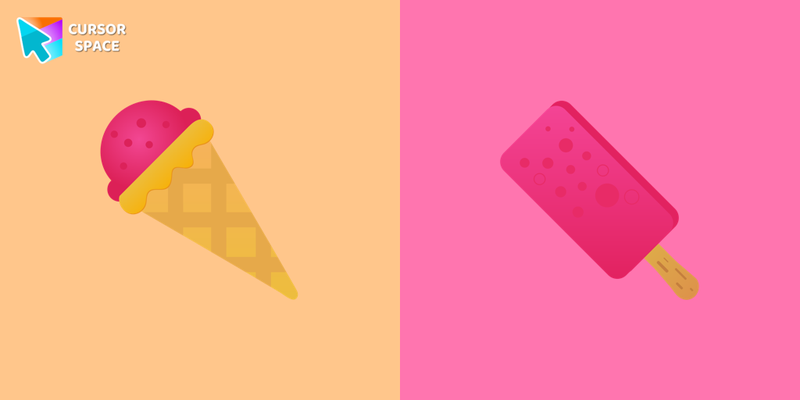 Ice Cream cursorDo you like ice cream and other desserts? Now you can install an ice cream custom cursor for the mouse to get fun with our cutest custom cursor collection for Chrome.
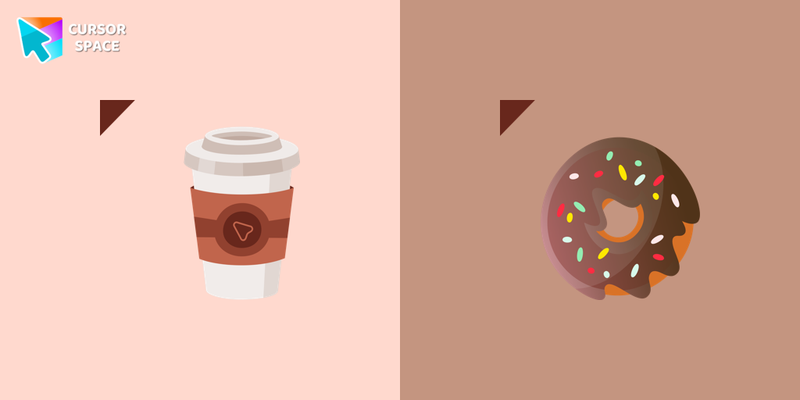 Coffee cursorCoffee and donut are the classic breakfast for millions of people. Get a custom cursor with coffee and a donut pointer from our The cutest custom cursor collection for Chrome.
Explore cursor packs by style
Cursor Space packs include curated cursor sets for everyday browsing: cute, minimal, anime, neon, pixel art, and more. Each pack comes with multiple cursor states (like default and pointer) and can be added to your browser in seconds.
Trending now
Fresh picks based on what people install most often.
Collections
Browse themed sets grouped by vibe and aesthetic.
Top charts
See weekly, monthly, and all-time leaders.
How to install a cursor pack
- Open any pack from the grid above.
- Click the install / add button on the pack page.
- If you don’t have it yet, install the Cursor Space browser extension.
- Apply the pack in the extension and enjoy your new cursor.
FAQ
Quick answers to common questions about cursor packs, collections, and installation.
Are cursor packs free on Cursor Space?
Most cursor packs on Cursor Space are free to browse and install. Some packs may be marked premium depending on licensing. The Cursor Space browser extension is free to install from the Chrome Web Store.
Do cursor packs work on Chrome and Edge?
Yes. Install the Cursor Space extension for Chromium-based browsers (Chrome, Edge, Brave), open a pack page, and click install/apply. The extension applies the cursor set across your browser.
How do I install a custom cursor pack?
Open the pack page, click the install or add button, install the Cursor Space extension if prompted, then apply the pack from the extension popup. Your new cursor appears immediately.
Can I change or remove a custom cursor later?
Yes. Open the Cursor Space extension, choose another pack, or restore the default system cursor from the extension settings.
Is the Cursor Space extension safe?
Cursor Space is distributed via the Chrome Web Store and Edge Add-ons. Keep the extension updated, and only install packs from trusted catalog pages on this site.